
Shopify image SEO starts with alt text from the actual image.
Give shoppers and search engines a real description of your product photos. See which Shopify product images are missing alt text and turn them into natural descriptions, written from the actual photo and reviewed by you. Shopify Files alt text works on every plan too.
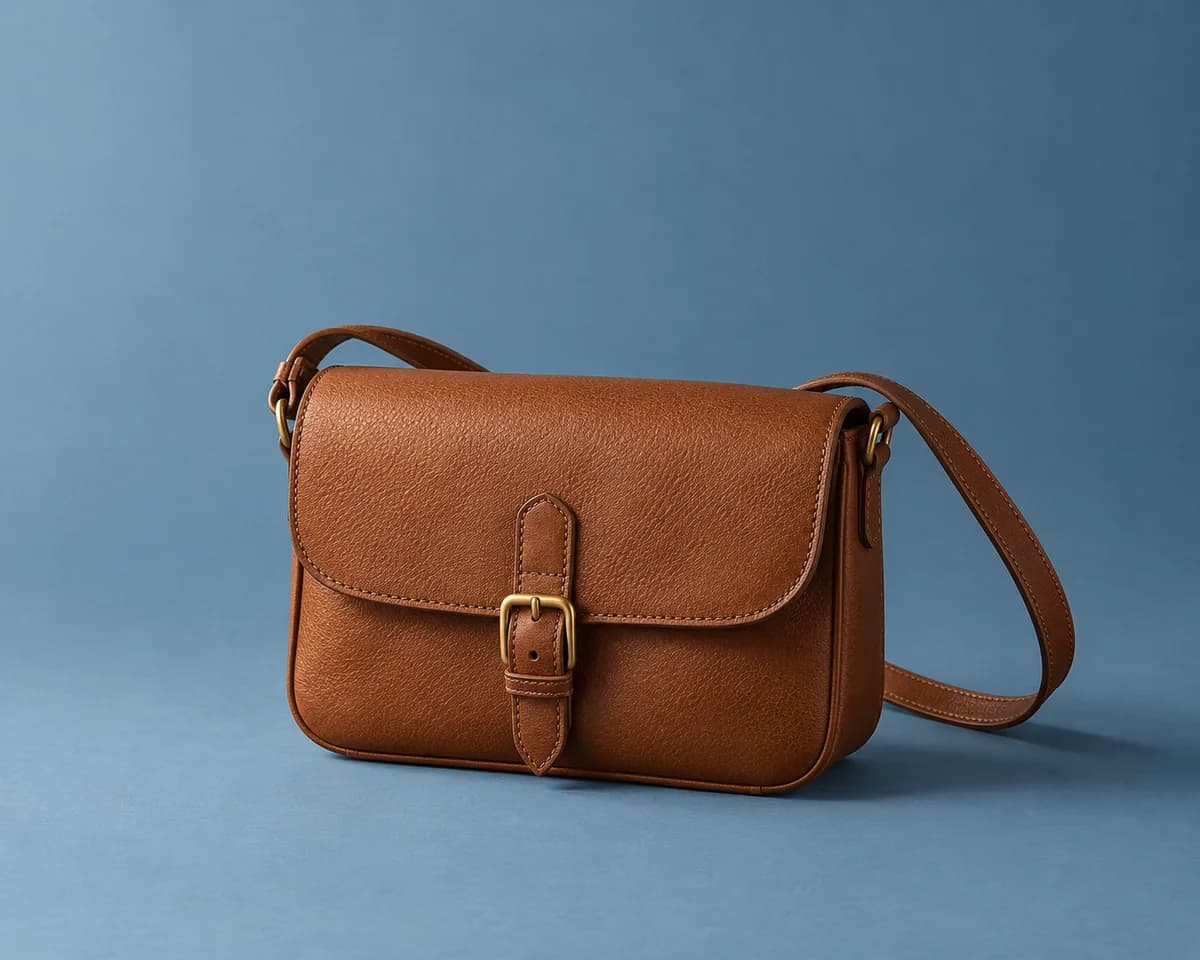
Image context draft
Cognac leather crossbody bag with a brass buckle and a long shoulder strap.
Make the picture easier to understand.
Alt text connects meaningful product images with written context. Pair it with clear product copy and search fields as part of your Shopify image SEO work.
From keyword liststo real descriptions.
Image context before
No alt text entered
Lumi draft
Forest-green ceramic pitcher with a rounded handle beside a speckled bowl.
Context for search.Clarity for shoppers.
Start with missing context
Find product images missing alt text in your connected catalog. Select other images when you want to refresh their descriptions.
Write for people first
Describe the subject and useful details. Avoid keyword stuffing and generic labels that say little about the image.
Keep product content connected
Review image descriptions alongside the product page. Every plan also drafts SEO titles and meta descriptions.
From missing context to reviewed content.
Install Lumi freeFind the gaps
Identify product images with missing alt text in the connected Shopify catalog.
Choose your images
Select products and work within your plan's batch size and credits.
Review the drafts
Confirm image details, remove unnecessary keywords, and refine the wording.
Publish and track
Save approved alt text to Shopify and keep completed alt-text fix records.
Image SEO: what Lumi covers and what it doesn't
Image SEO has several parts. Lumi handles the written context; the rest lives in your files, theme, and Shopify's image delivery.
- Alt text (Lumi)
- Drafted from each photo and its product, reviewed by you, and published to product images and Shopify Files.
- Surrounding page text (Lumi)
- Product descriptions, SEO titles, and meta descriptions give search engines the context around an image. Every plan drafts all three.
- File names (you)
- Lumi never renames files. Use short, descriptive file names before you upload new images.
- Image size and format (Shopify and your theme)
- Shopify's image delivery and your theme decide formats, sizes, and lazy loading. Lumi never compresses or replaces images.
- Structured data (your theme)
- Product schema, including image URLs, comes from your theme or a schema app. Lumi doesn't edit it.
One part of a stronger storefront.
Alt text supports product context. Lumi does not guarantee rankings, traffic, or accessibility compliance, and image optimization also involves your theme and media delivery.
Compare plans- Content batches you start always create drafts for review. Edit them, then publish only the updates you approve.
- Maintain automation is optional and off by default. It can handle selected new-product content and missing image alt text after product updates. When enabled, it starts set to create drafts for review; you can choose to publish automatically instead. Turn it on only for content you want handled this way.
- Free includes 100 monthly credits for product descriptions, alt text, SEO titles, meta descriptions, and product categories and metafields, in your supported storefront language or English. Brand voice requires One-Time Cleanup or Maintain.
- One-Time Cleanup and Maintain write drafts in your choice of 17 languages, one per store. Lumi doesn't translate your store or manage Shopify Markets translations.
- Every plan can export published changes as a CSV, and paid plans also export completed alt-text fixes. Exports cover changes made through Lumi only.
Before youget started.
Answers about drafts, review, and publishing.
What does Lumi do for Shopify image SEO?
Lumi finds product images missing alt text and drafts descriptions for selected images using image and catalog context. You review the suggestions and publish approved updates to Shopify.
Does Lumi compress images or rename files?
No. Lumi only updates the alt text, not the image file. Image compression, file formats, filenames, and loading performance remain separate parts of your storefront setup.
Can I edit the image descriptions?
Yes. You can review, edit, regenerate when available, publish, or leave drafts unpublished. Content batches you start always create drafts for review. Optional Maintain automation is off until you turn it on, then starts set to create drafts for review; you can choose to publish automatically instead.
Does better alt text guarantee search rankings?
No. Descriptive alt text supplies useful image context, but rankings and traffic depend on many factors. Avoid keyword stuffing and confirm every draft describes the actual image.
What does the free sample scan check?
The free catalog report reviews a limited sample of reachable public storefront pages. It is not a complete catalog audit or a full accessibility assessment.
Is alt text included on the free plan?
Yes. Free includes 100 monthly credits for alt text on product images and Shopify Files, plus product descriptions, SEO titles, meta descriptions, and product categories and metafields. Batch size and other capabilities depend on your plan.