
Image-aware drafts
Lumi looks at the actual product image. Review the resulting draft to confirm that it describes what the image shows.
Describe what makes each product image useful. Create Shopify alt text from image and catalog context, then review it before publishing.
Review before publishing. Credits and batch sizes depend on your plan.
Alt text draft
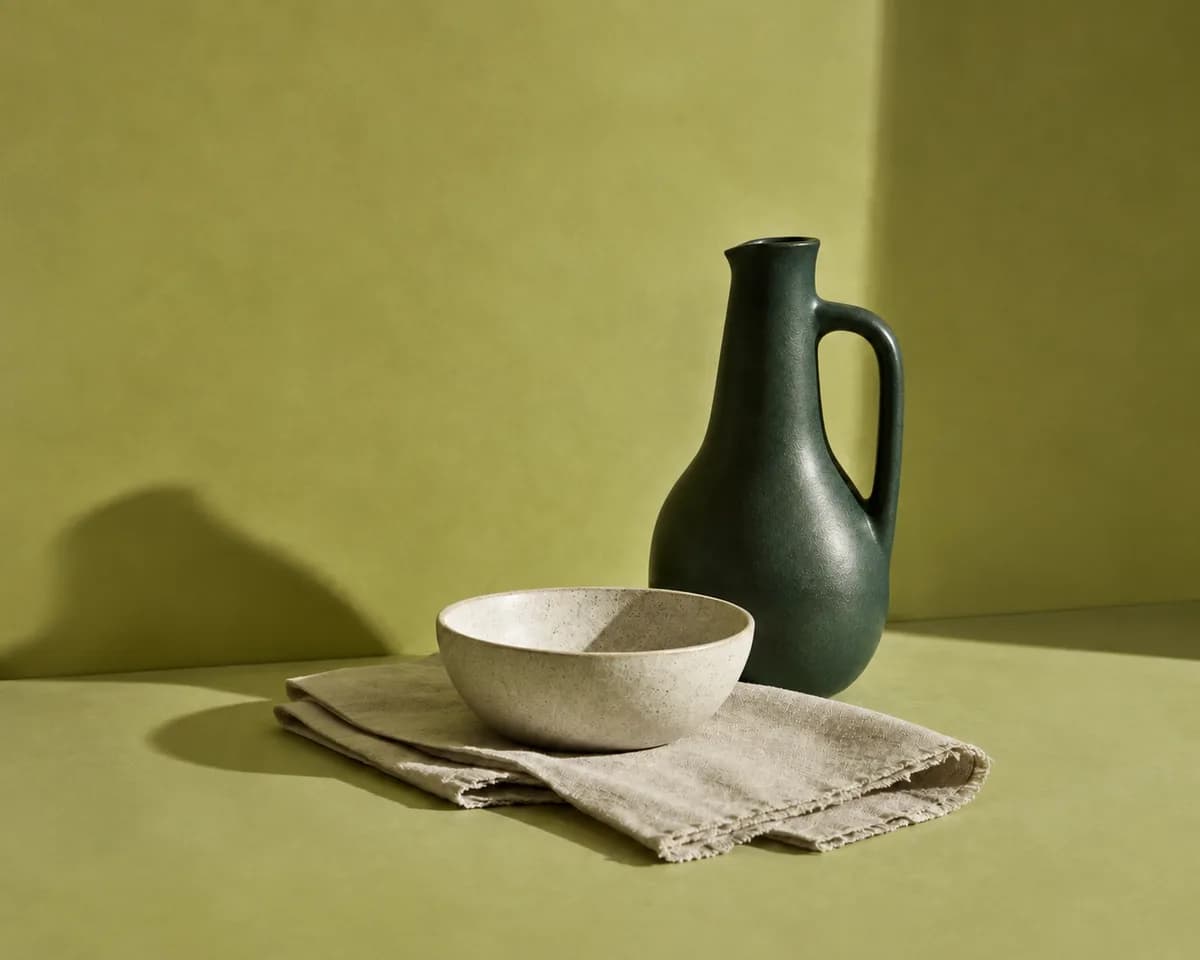
Forest-green ceramic pitcher with a rounded handle beside a speckled bowl.
Illustrative exampleMeaningful product images deserve accurate, natural descriptions. Start from the image, keep the useful details, and review every draft.
Lumi looks at the actual product image. Review the resulting draft to confirm that it describes what the image shows.
Use product names, variants, and catalog details to write a description that fits the item and the page.
Edit, regenerate when available, publish, or leave suggestions unpublished. Your team decides what is ready.
Find connected product images without alt text and select the images to work on.
Start with a description based on the image and its product context.
Check the selected variant, remove unsupported details, and refine the wording.
Decide which drafts are ready. Leave anything uncertain unpublished.
Save approved alt text to the matching Shopify image field and keep a record of the update.
Illustrative examples. Confirm every detail against your actual products.
Before
product image
Existing product content
Lumi draft · Illustrative example
Forest-green ceramic pitcher with a rounded handle beside a speckled bowl.
Ready for your review
Describe the image in its page context. Decorative images may need empty alt text.
Alt text alone cannot make a store accessible. Your theme, navigation, forms, media, and checkout still need a broader review.
Compare plansShopify Alt Text Generator questions, answered.
A Shopify alt text generator creates written descriptions for product images. Lumi looks at the image and its product details, suggests a description, and lets you review it before saving it to Shopify.
Yes. Lumi identifies connected product images with missing alt text, creates drafts for selected images in plan-sized groups, and lets you review updates before publishing them.
Descriptive alt text gives search systems useful image context, but it does not guarantee rankings or traffic. Review each Lumi draft for accuracy and avoid keyword stuffing.
No. Alt text alone cannot make a store accessible. Lumi helps create and document product-image descriptions using Web Content Accessibility Guidelines (WCAG) as a reference. Your theme, navigation, forms, media, checkout, and legal context also matter.
Yes. Lumi gives you review and edit controls before applying generated content to your store.
No. Free also includes product-description drafts. Eligible paid plans add SEO titles, SEO descriptions, brand guidance, and one of 17 supported languages for future generation.
Lumi is best for Shopify merchants, ecommerce teams, and agencies managing image-heavy catalogs, frequent product launches, or large backlogs of missing alt text and product content.
Yes. You can start with 100 free credits and upgrade as your catalog needs grow.