
Shopify Alt Text: A Practical Guide for Product Images
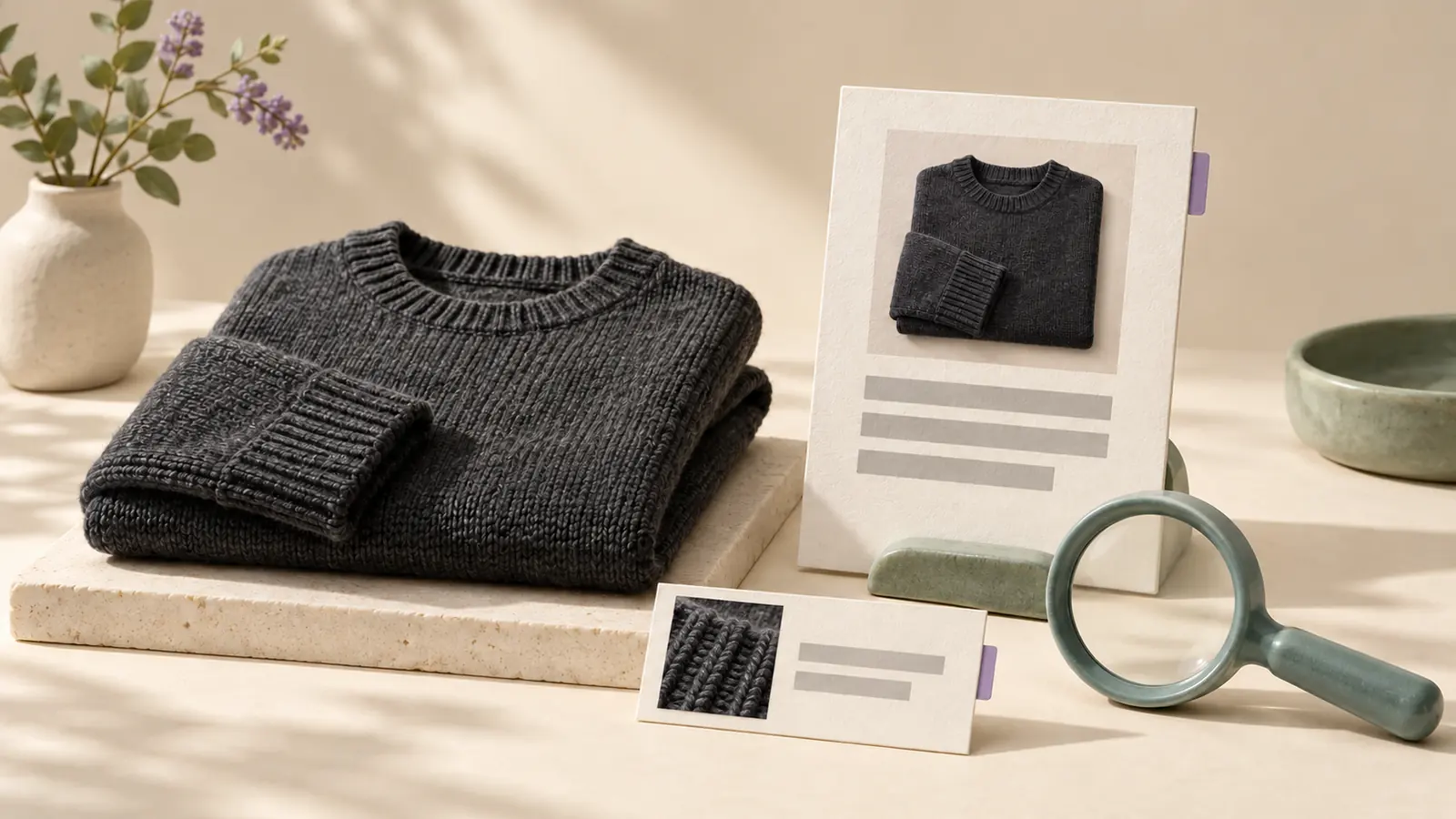
Product-image alt text is easy to postpone until the catalog is large and inconsistent. Then shoppers using screen readers get less product context, search systems get weaker image signals, and nobody can say which images were checked.
This guide covers what good Shopify alt text does, how to decide what each image needs, where accessibility and image SEO overlap (and where they don't), and how to clean up a backlog in reviewable batches. Examples are illustrative; check every detail against your own photos and product data.
What Shopify product alt text should do
Alt text replaces the image for someone who can't see it. On a product page, that means describing the visible details that matter for a buying decision in the context of that page. It is not a place to repeat every keyword, shipping promise, or promotion.
- Weak: "blue dress women fashion sale"
- Better: "Sleeveless navy linen midi dress with a square neckline and side pockets"
- Weak: "shirt"
- Better: "Men's charcoal merino crewneck sweater with ribbed cuffs"
- Weak: "best organic skincare serum buy now"
- Better: "Amber glass bottle of vitamin C serum with dropper applicator"
If the image shows a specific variant, name it. If it shows texture, scale, packaging, or the product in use, describe that useful detail. For wording by product type, browse the Shopify alt text examples library.
Decide the image's purpose first
Accessibility asks what information or function a person would miss without the image. The answer decides what to write, including when to write nothing. The W3C WAI images tutorial uses these categories:
- Informative product image: describe the product details that matter on this page.
- Functional image (an image that is a link or button): describe the action or destination, not how the image looks.
- Decorative image: use an empty alt value (
alt="") so assistive technology skips it. An empty value is intentional, not an error. - Image of text, such as a size chart or ingredient panel: make the important wording available as real text, in the alt value or nearby on the page.
Lifestyle shots, swatches, variant images, and banners each need a slightly different approach. The alt text by image type guide works through each one.
Review alt text across the whole gallery
Consider a gallery with a front view, back view, detail shot, and lifestyle photo. Repeating the product title four times doesn't explain what changes from image to image. Ask what each one contributes: the back closure, the fabric texture, the interior pocket, or the scale in use.
Check every draft against the visible image and the selected variant. Remove details that came from product data but aren't visible when they could mislead. When a photo adds nothing beyond nearby text, consider treating it as decorative.
How long should alt text be?
WCAG sets no character limit. Most product alt text works best as one concise phrase or sentence. Lumi's drafts aim for 125 characters or fewer, a common editorial convention that keeps descriptions quick to hear. Longer is fine when the image genuinely carries more information, such as a detailed diagram, but then consider putting that information in the page text.
Where image SEO and accessibility overlap
Descriptive alt text helps screen reader users understand important visuals, and Google's image SEO guidance says it uses alt text, along with page content and file names, to understand images. The same concise description often helps both. But the two ask different questions, and a target keyword should never replace the accessibility purpose.
- Use descriptive file names before upload when possible.
- Describe visible product details rather than repeating search terms.
- Avoid identical alt text across every photo of a product.
- Keep SEO titles and meta descriptions specific too; image text can't fix a vague product page.
Better alt text supports image SEO, but it doesn't guarantee rankings or predictable traffic. Treat it as catalog quality work. The Shopify image SEO feature page explains how Lumi handles that context.
A step-by-step Shopify alt text cleanup
- Find the gaps. Use the single-page alt text checker for one public page, or the free catalog gap report for a storefront sample. Both find missing attributes; neither judges whether existing text is accurate.
- Prioritize. Start with best sellers, paid-search landing products, and high-traffic collections.
- Record image purpose. The free Shopify alt text audit worksheet tracks each image's purpose, current text, review decision, and checks of the saved Shopify value and storefront output.
- Write for the image. Use visible attributes before category terms.
- Review before publishing. AI drafts save time, but a person should approve the wording.
- Verify. Check that the saved value in Shopify admin and the storefront output match what you approved.
Shopify documents where to add alt text to product media if you are editing by hand.
Product image alt text mistakes to avoid
- Repeating the exact product title across every image.
- Stuffing search keywords into alt text.
- Leaving file names like
IMG_2049.jpgin place of a description. - Forcing a description onto a purely decorative image.
- Publishing AI drafts without a review step.
- Fixing one product at a time with no record of catalog-wide gaps.
How Lumi supports product image alt text review
Lumi shows which product images are missing alt text, writes drafts from each actual photo plus its product context, and waits for your review before publishing to product images and Shopify Files. Generation history shows what was drafted and published, and completed alt-text fixes have their own record. Lumi doesn't replace merchant judgment, manual testing, or a full accessibility review.
Shopify alt text questions
Is alt text required for Shopify product images?
Meaningful images need a text alternative under WCAG success criterion 1.1.1. Decorative images should have an empty alt value instead. Review the purpose of each image rather than filling every field automatically.
Should every Shopify image have keywords in the alt text?
No. Use natural product language where it fits, but the description should reflect what is visible in the image.
How long does it take to see SEO results from alt text?
Search results depend on crawl timing, competition, page quality, and demand. Alt text is one part of image SEO, not a predictable ranking lever.
Can I update Shopify alt text in bulk?
Yes. Bulk workflows save time, but review drafts before publishing catalog-wide changes, and keep a record of what changed.
Can Lumi handle every accessibility requirement for my store?
No. Lumi helps find missing alt text, draft descriptions, review updates, and record completed fixes. It doesn't provide legal advice or replace manual testing or a full accessibility audit.