
Accessibility remediation
Make Shopify accessibility remediation easier to act on.
Missing image descriptions can leave shoppers without useful product context. Separate the catalog content you can improve from theme and interaction issues that need hands-on testing. Lumi writes alt text from the actual photo, waits for your review, and saves it to Shopify's own fields. No overlay or storefront script.
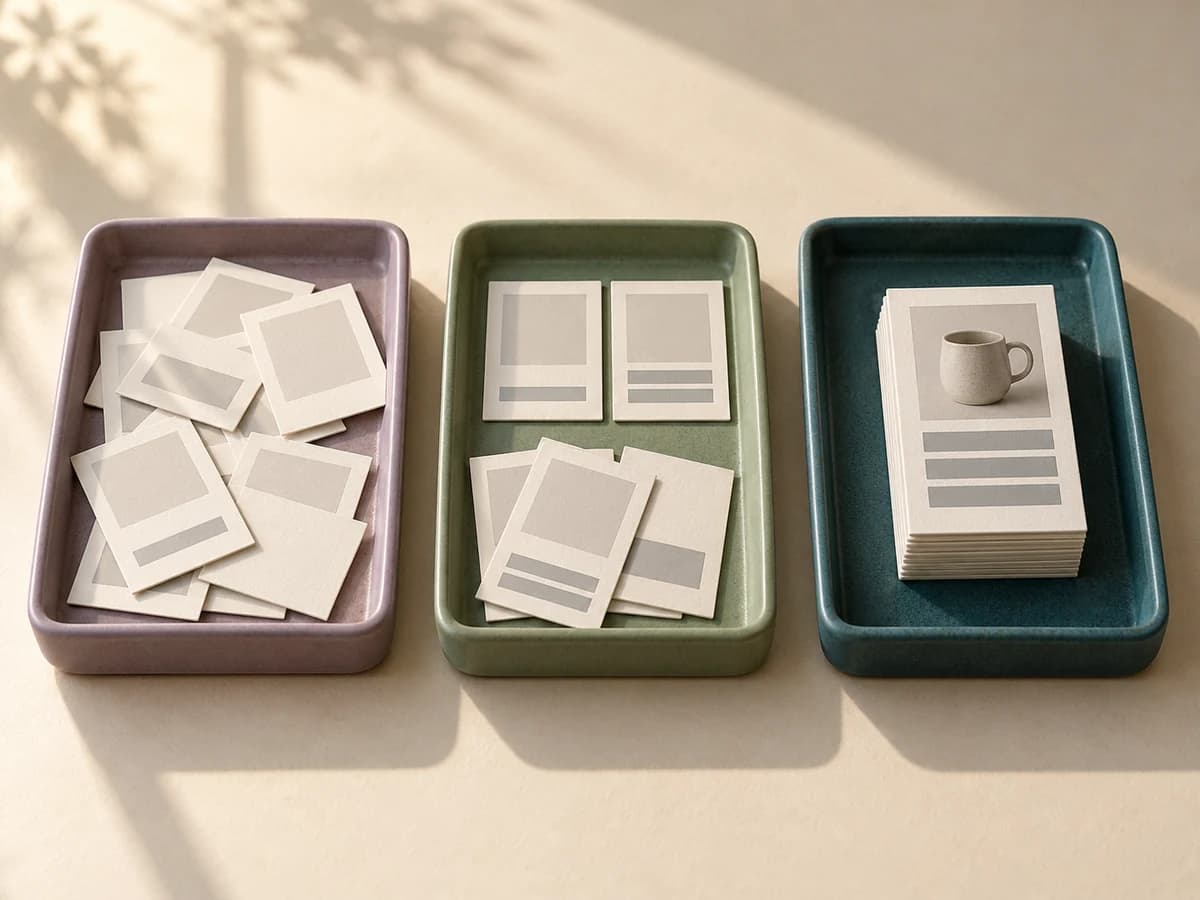
Example review plan
- Review first
- Supported findings
- Queue next
- Storefront UX
- Document
- Scan baseline
Fix catalog content; test the storefront by hand
Lumi improves supported Shopify catalog fields, starting with product-image alt text. Theme code, keyboard behavior, forms, and checkout need separate testing and development work.
Lumi handles
- Product-image alt text written from the actual photo
- Descriptions, SEO titles, and meta descriptions
- Review before publishing to Shopify fields
- A record of completed alt-text fixes
Needs manual testing or a developer
- Keyboard navigation and focus
- Forms, menus, and media
- Theme code and checkout
- Legal compliance determinations
Batches you start always wait for review and publication. Maintain can automate new-product content and missing image alt text after product updates; that automation is off until you opt in, then starts set to create drafts for review; you can choose to publish automatically instead.
What the sample scan can inspect
The free report checks a limited sample of reachable public pages. Metadata findings support catalog cleanup; they are not proof of an accessibility failure.
What a scan cannot decide
A person needs to assess each image in its page context, and to test how the store works with assistive technology.
A practical remediation workflow
Assign content and theme work separately so each finding reaches someone who can address it.
Install Lumi freeRun the scan
Generate a sample storefront report so your team can see what needs attention before making changes.
Sort what to do now and later
Separate what to review now, what to queue next, and what to document so the backlog stays readable.
Fix, publish, and check again
Use Lumi to update selected products, check wording against the actual image, then run another report as your store changes.
Where accessibility changes live
Provider behavior varies. Ask whether changes are saved in Shopify or applied only while a storefront script runs.
Keep a useful record of the work
These records help a team review completed work; they do not certify compliance.
Before youstart.
Answers about scope, limits, and review.
Is this scan a complete accessibility review?
No. The scan helps identify automated findings on sampled storefront pages and keeps manual-review needs visible. It cannot assess every accessibility requirement or certify compliance.
Will an accessibility overlay fix Shopify product alt text?
Provider behavior varies. Ask whether changes are saved in Shopify or applied only while a storefront script runs. Lumi saves approved updates to supported Shopify catalog fields.
How are the report findings organized?
The free report groups sampled findings into image alt text, missing meta descriptions, page structure, and next steps. Installed-app accessibility reports add priorities, affected pages and elements, technical evidence, owners, and manual-review items, and mark which issues Lumi can help fix and which are for your developer.
Will Lumi make my store ADA compliant?
No tool can promise that. Lumi runs automated checks based on WCAG, helps you fix some issues such as missing product-image alt text, and shows what still needs a person. Manual testing and qualified guidance may still be needed.
How often can I scan in the installed app?
Free includes a 10-page scan every 30 days. One-Time Cleanup includes one scan of up to 100 pages. Maintain runs automatic scans of up to 200 pages every 14 days, with new-issue alerts.
What does the free report scan?
The report checks a sample of public Shopify storefront pages for missing or weak image alt text, missing meta descriptions, and basic page structure. It does not scan the entire catalog or replace manual review.
Review storefront findings before the cleanup backlog grows
The free report needs no Shopify login. The Free plan includes alt text drafts and a 10-page scan every 30 days.