
Featured product image
01Weak
dog bed
Stronger
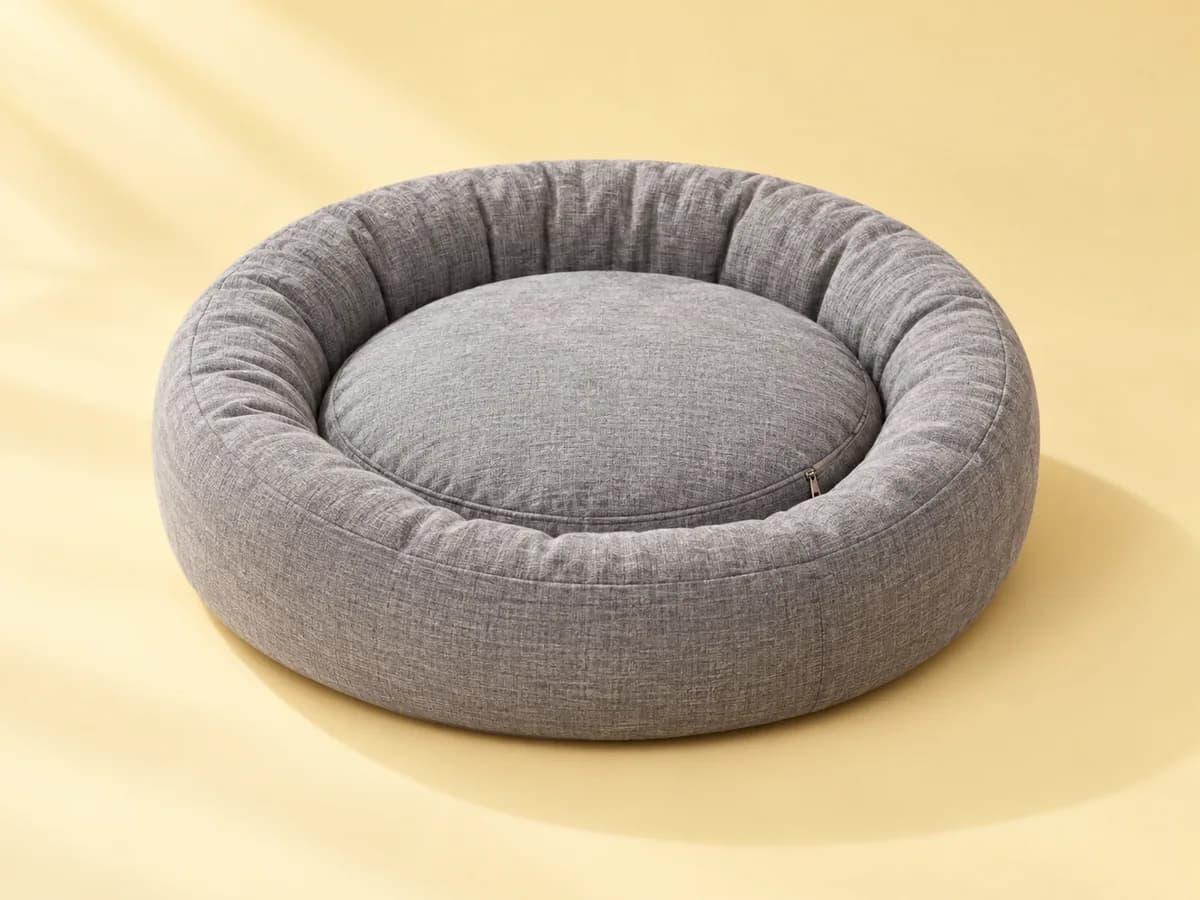
Round gray bolster dog bed with a raised rim and removable cushion
Names shape, color, and the visible features shoppers compare.
Describe pet products by type, size cues, color, and the pet using them, without guessing breed suitability, durability, or safety claims.
Illustrative examples. Adapt each description to the image and product context your shoppers actually receive.
Featured product image
Weak
dog bed
Stronger
Round gray bolster dog bed with a raised rim and removable cushion
What to describe
Twelve before-and-after examples
These are examples, not fill-in-the-blank guarantees. Keep only the details that are visible and relevant in the actual product image.
Weak
dog bed
Stronger
Round gray bolster dog bed with a raised rim and removable cushion
Names shape, color, and the visible features shoppers compare.
Weak
dog
Stronger
Medium-size beagle curled up asleep in a round gray bolster bed
Shows scale through the dog without claiming the bed suits every breed.
Weak
collar
Stronger
Red nylon dog collar with a black side-release buckle and D-ring
Buckle type and D-ring are the functional details shoppers look for.
Weak
leash clip
Stronger
Close-up of a swivel trigger clip on a teal rope leash
Focuses on the clip visible only in the detail shot.
Weak
bowls
Stronger
Two stainless-look pet bowls in a raised bamboo-colored stand
Counts items and describes the stand without asserting materials.
Weak
toy
Stronger
Feather wand cat toy with pink feathers on a long flexible rod
Describes the parts a buyer needs to picture the toy.
Weak
cat carrier
Stronger
Tabby cat looking out of the mesh front door of a black soft-sided carrier
Shows the door style and scale through the cat.
Weak
treats bag
Stronger
Resealable pouch of chicken dog treats with a clear window showing small round pieces
Describes packaging and what is visible through the window.
Weak
harness on dog
Stronger
Golden retriever wearing a blue padded harness with a back leash ring
Shows how the harness sits without claiming no-pull performance.
Weak
scratcher
Stronger
Sisal-wrapped scratching post on a square carpeted base with a dangling ball toy
Lists the visible parts of the post.
Weak
collar blue
Stronger
Navy version of the reflective dog collar, laid flat
Clarifies which color variant this image shows.
Weak
fish tank
Stronger
Small glass aquarium with a black lid, gravel base, and a green artificial plant
Names the visible components rather than tank volume.
Find before you fix
Product gallery pattern
Repeating the product name across six images hides the very information the gallery was designed to show.
Common mistakes
Weak
Vet-approved chew-proof bed
Stronger
Round gray bolster dog bed with a raised rim
Safety and durability claims need evidence in the description, not the alt text.
Weak
Cute puppy
Stronger
Puppy wearing a red nylon collar with a silver tag ring
Lead with the product the image is selling.
Weak
Perfect for all large breeds
Stronger
Labrador lying on an extra-large rectangular dog bed
Show scale with what is pictured instead of making fit promises.
Shopify workflow
Shopify recommends brief, descriptive text and currently supports product-media editing from the product details screen.
Alt text is contextual. A useful description for one page may be redundant or misleading on another.
From examples to updates in your Shopify store
Lumi connects image descriptions to a controlled Shopify catalog workflow rather than treating every generated suggestion as ready to publish.
Start with the free report to sample storefront pages for missing or weak image alt text, missing meta descriptions, and page-structure findings.
Generate contextual drafts, then edit and publish the content that fits each product.
Apply approved Shopify updates, use generation history, and retain eligible-plan records of completed alt-text fixes.
Frequently asked questions
Yes, when the pet shows scale or how the product is used. Describe the product first, then the pet.
No. Keep alt text to what is visible. Verified safety or durability details belong in the product description.
No. When gallery images show different angles, details, variants, packaging, or lifestyle context, the alt text should describe what is distinct about each image. A decorative or redundant image may instead need an empty alt attribute.
No. Useful alt text supports accessibility and helps search systems understand images, but the rest of your storefront matters too. Lumi uses Web Content Accessibility Guidelines (WCAG) as a reference without guaranteeing legal or ranking outcomes.
In Shopify Admin, open Products, choose a product, select a product media item, choose Add alt text, enter a brief description, and save. Shopify also supports alt text updates through product CSV workflows.
Continue the library
Describe gifts with the product or set contents, color, material, personalization, packaging, arrangement, and visible occasion cues without promising reactions or suitability.
View gifts and gift sets examplesDescribe home products with type, color, visible material, shape, finish, construction, storage, and room context so shoppers can compare design and scale.
View furniture and home decor examplesDescribe food and beverage imagery with product type, package, visible contents, flavor variant, serving presentation, and essential label text without taste or health claims.
View food and beverage examples