
Featured product image
01Weak
art print
Stronger
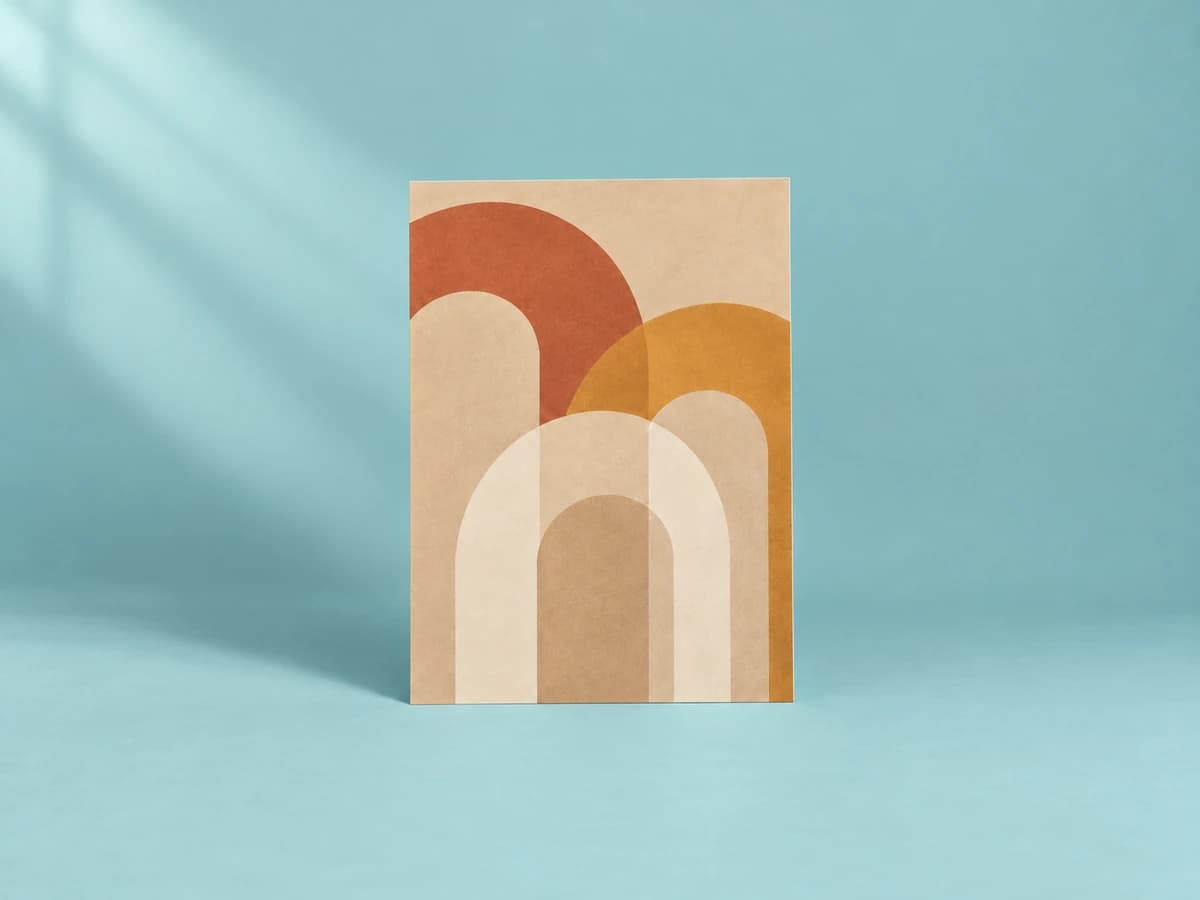
Abstract print of overlapping terracotta, mustard, and cream arches on a beige background
The subject and colors are what the shopper needs; the print itself is the product.
Describe what the artwork depicts, its style and colors, and how it is presented, framed, or hung, without inventing paper type or edition details.
Illustrative examples. Adapt each description to the image and product context your shoppers actually receive.
Featured product image
Weak
art print
Stronger
Abstract print of overlapping terracotta, mustard, and cream arches on a beige background
What to describe
Twelve before-and-after examples
These are examples, not fill-in-the-blank guarantees. Keep only the details that are visible and relevant in the actual product image.
Weak
art print
Stronger
Abstract print of overlapping terracotta, mustard, and cream arches on a beige background
The subject and colors are what the shopper needs; the print itself is the product.
Weak
framed print
Stronger
Botanical line drawing of a fern in a thin black frame with a white mat
Describes the artwork and the frame shown.
Weak
living room
Stronger
Large framed coastal photograph hung above a beige sofa
Product first; the sofa conveys scale.
Weak
quote poster
Stronger
Poster reading 'Slow down' in bold red serif letters on cream
Text in the artwork must be included so it isn't lost.
Weak
canvas side
Stronger
Side view of a stretched canvas showing the image wrapped around a deep edge
Shows the gallery-wrap detail only visible from the side.
Weak
set of prints
Stronger
Set of three prints: a moon phase chart, a crescent moon, and a star map, in matching oak frames
Lists each piece in the set.
Weak
close up
Stronger
Close-up of visible brushstrokes in thick blue and white paint
The detail shot's purpose is texture.
Weak
map
Stronger
Vintage-style map print of Lisbon in sepia tones with street names labeled
Names the place and style shown.
Weak
photo
Stronger
Black-and-white photograph of a lone tree in a snowy field
Describes the photo's subject plainly.
Weak
wall hanging
Stronger
Macramé wall hanging in natural cotton-look cord with fringe, on a wooden dowel
Describes the object and how it hangs.
Weak
print blue
Stronger
Navy colorway of the abstract arches print
Clarifies the variant shown.
Weak
sizes
Stronger
Three sizes of the same framed print shown side by side on a white wall
Explains the comparison the image makes.
Find before you fix
Product gallery pattern
Repeating the product name across six images hides the very information the gallery was designed to show.
Common mistakes
Weak
Art print A3
Stronger
Abstract print of overlapping terracotta and mustard arches
The artwork itself is what the image conveys.
Weak
Typography poster
Stronger
Poster reading 'Good things take time' in black script on blush pink
Text in an image must be available as text.
Weak
Signed limited edition giclée
Stronger
Close-up of the lower corner of the print showing a pencil signature
Describe what's visible; verify edition and paper claims in the description.
Shopify workflow
Shopify recommends brief, descriptive text and currently supports product-media editing from the product details screen.
Alt text is contextual. A useful description for one page may be redundant or misleading on another.
From examples to updates in your Shopify store
Lumi connects image descriptions to a controlled Shopify catalog workflow rather than treating every generated suggestion as ready to publish.
Start with the free report to sample storefront pages for missing or weak image alt text, missing meta descriptions, and page-structure findings.
Generate contextual drafts, then edit and publish the content that fits each product.
Apply approved Shopify updates, use generation history, and retain eligible-plan records of completed alt-text fixes.
Frequently asked questions
Enough to convey the subject, style, and main colors in a sentence. Longer interpretation belongs in the product description.
Describe the artwork first, then where it hangs if that shows scale. Skip decor details that don't help a buyer.
No. When gallery images show different angles, details, variants, packaging, or lifestyle context, the alt text should describe what is distinct about each image. A decorative or redundant image may instead need an empty alt attribute.
No. Useful alt text supports accessibility and helps search systems understand images, but the rest of your storefront matters too. Lumi uses Web Content Accessibility Guidelines (WCAG) as a reference without guaranteeing legal or ranking outcomes.
In Shopify Admin, open Products, choose a product, select a product media item, choose Add alt text, enter a brief description, and save. Shopify also supports alt text updates through product CSV workflows.
Continue the library
Describe home products with type, color, visible material, shape, finish, construction, storage, and room context so shoppers can compare design and scale.
View furniture and home decor examplesDescribe gifts with the product or set contents, color, material, personalization, packaging, arrangement, and visible occasion cues without promising reactions or suitability.
View gifts and gift sets examplesDescribe electronics with device type, color, form, controls, ports, included accessories, view, and visible use without guessing specifications or compatibility.
View electronics examples